* All product/brand names, logos, and trademarks are property of their respective owners.
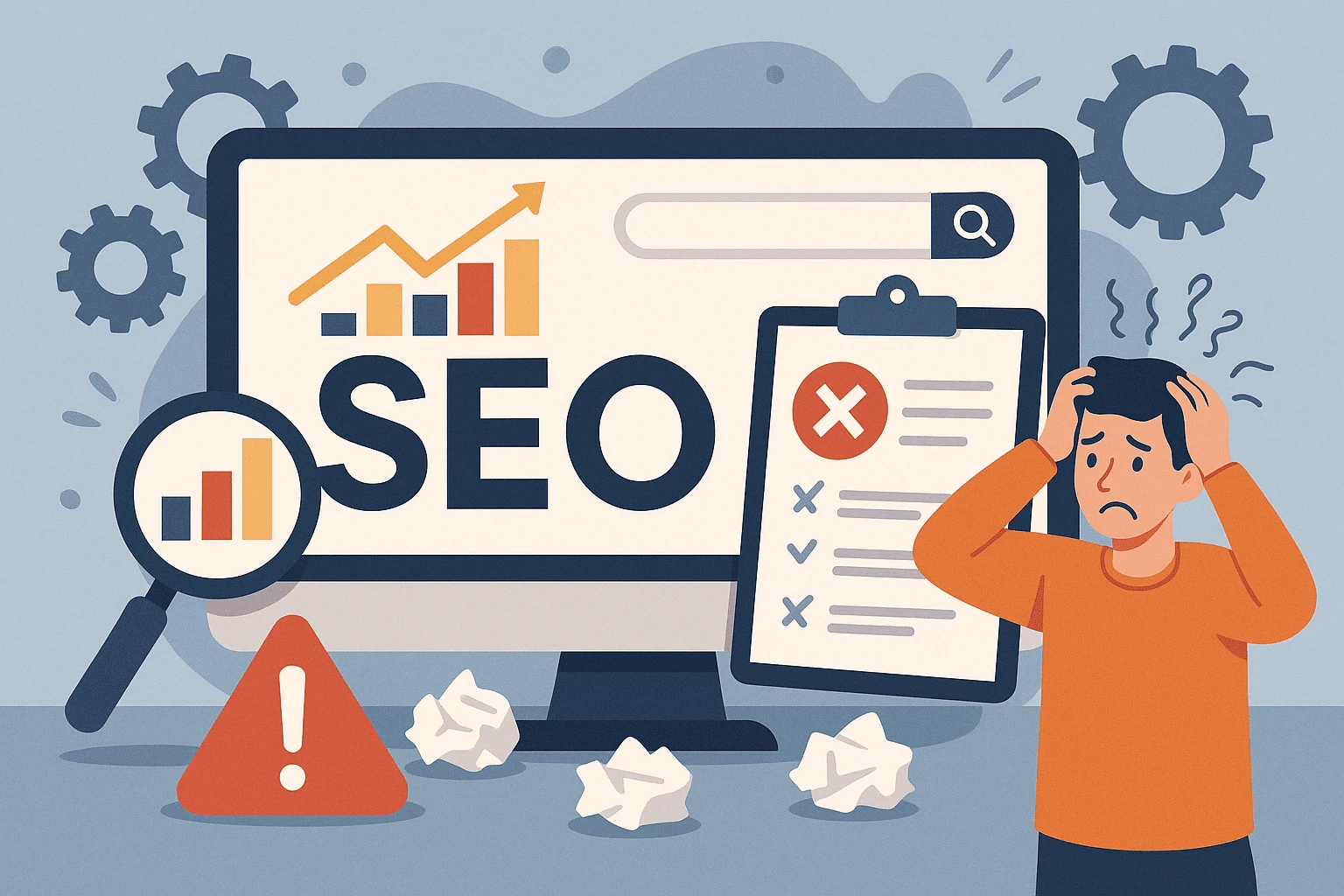
Why Your SEO Might Be Sabotaging You: You’ve done everything by the book — picked the right keywords, published content regularly, and even built a few backlinks.
But your traffic? It’s barely moving. Or worse — it’s dropping.
Here’s the truth: Most websites are losing traffic to avoidable SEO mistakes. Not because their content isn’t good. Not because they don’t try hard enough. But because of small technical errors, outdated practices, or ignored fundamentals silently chip away at their visibility.
The worst part?
You might not even realize you’re making them.
In this blog, we’ll break down the 15 most common SEO mistakes — the silent killers of your organic traffic. But more than that, we’ll show you how to fix each one with simple, practical steps. No jargon. No fluff. Just the kind of SEO clarity you’ve been looking for.
Ready to plug the leaks and unlock real growth?
Behind every successful website is a technically sound foundation. And when that foundation has cracks — even the best content can struggle to rank. Technical SEO might not be flashy, but it's often the hidden culprit behind low search visibility and poor organic traffic.
Here are three major technical mistakes silently harming your site:
Imagine writing a great blog post… only to accidentally tell Google not to index it.
Many site owners unintentionally block search engine bots from crawling their pages. This usually happens because of a misconfigured robots.txt file or incorrect use of the noindex tag.
For example, some developers might add a noindex tag during staging or redesign — and forget to remove it before going live. As a result, your page never appears in search results.
Fix it:
Check your site’s robots.txt using tools like Google Search Console or an SEO crawler like Screaming Frog. Also, review your meta tags — especially if you're using WordPress plugins like Yoast or Rank Math.
An XML sitemap acts like a roadmap for search engines — guiding them to all your important pages. Without it, Google might miss valuable content or waste time crawling irrelevant URLs.
Worse yet, broken internal links or orphan pages (pages with no links pointing to them) can make things even harder for bots.
Fix it: Generate and submit an XML sitemap using your CMS or SEO plugin. Make sure it’s submitted in Google Search Console. Also, audit internal links regularly to ensure no pages are left in the dark.
Page speed isn't just a user experience issue — it's a direct ranking factor. Sites that load slowly drive users away, increase bounce rates, and signal to Google that your site isn’t offering a great experience.
Large images, unoptimized scripts, bloated themes, or cheap hosting can all slow down your site.
Fix it: Use PageSpeed Insights or GTmetrix to identify bottlenecks. Optimize images, enable lazy loading, use a caching plugin, and consider upgrading your hosting to something faster and more reliable.
Technical SEO may seem “behind-the-scenes,” but fixing these errors can dramatically improve how search engines view — and rank — your site.
Content may be king, but how you structure and optimize it is what makes it rank.
Many website owners unknowingly commit on‑page SEO mistakes that make their content less appealing to both search engines and users. Even well-written content can underperform if basic on-page elements are ignored.
Let’s go through three of the most common — and costly — on-page SEO issues:
Meta titles and descriptions are your first impression on Google. When these are missing, duplicated, or irrelevant, you lose valuable real estate in search results — and clicks.
For example, if several of your blog posts have the same meta title like “Home” or “My Blog,” Google gets confused. And users? They scroll right past.
Fix it: Write unique, descriptive meta titles and descriptions for each page. Include your target keyword naturally and give users a reason to click (think: benefits, emotions, or urgency). If you’re using WordPress, SEO plugins like Yoast or Rank Math make this process easy.
Once upon a time, cramming your content with keywords may have worked. Not anymore.
Today, keyword stuffing makes your content look spammy — and Google’s algorithms are smart enough to penalize it. At the same time, targeting vague or unrelated keywords means your content attracts the wrong audience (or none at all).
Fix it: Focus on search intent. Use tools like Google Search, AnswerThePublic, or Ubersuggest to find terms your audience is actually searching for. Then, use those keywords naturally — in headings, subheadings, body text, and image alt tags.
Header tags are like signposts for both readers and search engines. They help break content into digestible chunks and show Google what each section is about.
Using too many H1s, skipping headings altogether, or stuffing keywords into every header can hurt your SEO and readability.
Fix it: Use one H1 per page (usually your blog title), followed by logical H2s and H3s. Think of it like a book: chapters (H2s) and sub-chapters (H3s). Clean formatting = better SEO.
Think about this: over 60% of global website traffic now comes from mobile devices. If your site isn’t mobile-friendly, you’re instantly turning away a majority of your potential audience — and Google knows it.
User experience (UX) has also become a key ranking factor. Poor design, confusing navigation, or intrusive popups can all signal to search engines that your site isn’t worth ranking.
Here are three UX-related SEO mistakes that could be dragging your traffic down:
This is non-negotiable. A site that looks fine on desktop but breaks on mobile devices is a red flag for both users and search engines.
Think: text that’s too small to read, images that overflow off the screen, or buttons that are impossible to tap. All of this leads to frustration — and high bounce rates.
Fix it: Use a responsive theme that automatically adapts to different screen sizes. Test your site using Google’s Mobile-Friendly Test. Most CMS platforms like WordPress offer mobile-optimized themes and plugins to make this easy.
Popups that cover the entire screen, slow-loading elements, or cluttered layouts not only irritate visitors — they also hurt your SEO. In fact, Google penalizes intrusive interstitials on mobile.
A bad layout makes it harder for users to find what they’re looking for, which lowers dwell time and increases exit rates.
Fix it: Keep popups minimal and delay them until the user scrolls or engages. Ensure your layout has a clear hierarchy, proper spacing, and readable fonts. Less clutter = more clarity.
In today’s mobile-first world, creating a fast, clean, and mobile-friendly experience is not just good for users — it’s essential for SEO success.
Links are the backbone of SEO. They help search engines understand your site’s structure, pass authority between pages, and improve the user journey. But when misused — or ignored — they can seriously damage your rankings and credibility.
Here are three of the most common linking mistakes that might be quietly sabotaging your SEO:
Broken links — whether internal or external — create dead ends for both users and search engines. Clicking a link that leads to a 404 page disrupts the user experience and signals poor site maintenance.
Similarly, excessive or poorly configured redirects can slow down crawling and dilute link equity.
Fix it: Use tools like Broken Link Checker or Screaming Frog to find and fix broken links regularly. Update or remove dead links and make sure any redirects are clean (preferably 301 redirects for permanent moves).
If your blog posts and pages aren’t linking to each other, you’re wasting huge SEO potential. Internal links help distribute authority across your site, keep users engaged longer, and help Google discover more of your content.
Many bloggers only link back to their homepage or forget to add internal links altogether — a missed opportunity.
Fix it: Create internal links naturally within your content. For example, if you mention SEO tools, link to a separate post reviewing those tools. Aim for at least 2–4 internal links per blog post, and use descriptive anchor text.
External links should add value — not take your readers to spammy or outdated content. Linking to low-authority or off-topic websites can harm your credibility and possibly your SEO.
Fix it: Link to trustworthy, authoritative sources like .edu, .gov, or high-quality blogs in your niche. Make sure the links are relevant to the content and benefit the reader.
Smart linking isn’t just about SEO — it’s about creating a better experience for your visitors and helping search engines understand your content’s value.
SEO isn’t a one-and-done checklist — it’s a long-term strategy that needs continuous attention and improvement. One of the biggest mistakes people make is treating SEO like a project with a finish line. In reality, the digital landscape keeps evolving — and if you’re not adapting, you’re falling behind.
Here are three long-term SEO blunders that can quietly derail your growth:
Many site owners do a bit of keyword research, tweak some meta tags, and think they’re “done” with SEO. But what worked six months ago might not work today. Google updates its algorithm frequently, and your competitors are constantly improving.
Fix it: Make SEO a routine part of your workflow. Monitor your rankings, keep up with SEO news, and update older posts to stay competitive. Use tools like Google Search Console and Ahrefs to track performance and spot opportunities for improvement.
Ever read a blog post that feels like it was written in 2016 — and left there?
Outdated stats, broken links, or old screenshots signal to both users and search engines that your content isn’t current. This can hurt your credibility, user trust, and rankings.
Fix it: Set a reminder to audit your top-performing content every 3–6 months. Refresh outdated information, update screenshots, and improve formatting. Add new insights or examples to show your content is alive and relevant.
If you’re not tracking your SEO performance, how will you know what’s working?
Many people skip analytics, assuming everything is fine — until they realize their traffic is tanking. Without data, you can’t make informed decisions.
Fix it: Set up Google Analytics and Google Search Console to track your site’s traffic, bounce rates, top-performing pages, and user behavior. Use this data to tweak your content, improve conversion rates, and double down on what’s working.
Long-term SEO success comes from staying proactive, not passive. Keep testing, optimizing, and adapting — because that’s how you stay visible in search for the long haul.
As you've seen, SEO isn't just about using the right keywords. It's about creating a solid technical foundation, publishing high-quality content, offering a great user experience, and staying consistent over time.
To recap, here are the key areas where most people go wrong:
Blocking search engines unknowingly or neglecting site speed
Failing to optimize meta tags, headings, or using outdated keyword tactics
Overlooking mobile design and user experience
Ignoring internal linking, or linking to low-quality sources
Treating SEO as a one-time task rather than an ongoing process
But here's the good news:
Every mistake on this list is fixable.
So instead of stressing over what’s gone wrong, use this guide as a checklist. Audit your site, take action step-by-step, and focus on building an SEO strategy that actually works.
RELATED
7 Powerful On-Page SEO Tips to Boost Your Google Rankings

I am Zeenat, an SEO Specialist and Content Writer specializing in on-page and off-page SEO to improve website visibility, user experience, and performance.
I optimize website content, meta elements, and site structure, and implement effective off-page SEO strategies, including link building and authority development. Through keyword research and performance analysis, I drive targeted organic traffic and improve search rankings.
I create high-quality, search-optimized content using data-driven, white-hat SEO practices, focused on delivering sustainable, long-term growth and improved online visibility.
Google Search is moving beyond the familiar page of blue links. With Google Generative UI, search re
20 May 2026
Over the past few years, SEO has quietly evolved from a technical game into a credibility game. It&r
23 February 2026
In the fast-changing world of SEO, one thing is becoming crystal clear: if your content doesn&r
17 January 2026
Be the first to share your thoughts
No comments yet. Be the first to comment!
Share your thoughts and join the discussion below.



(1).webp&w=3840&q=75)